Play it. Mix it. Make it yours.A free music player, DJ studio and songwriting toolkit in your browser
Play the music already on your phone, jam over a backing band, write a song with the Compose helper, record your voice, and mix like a DJ – all in one tab, with nothing to install and no account required.
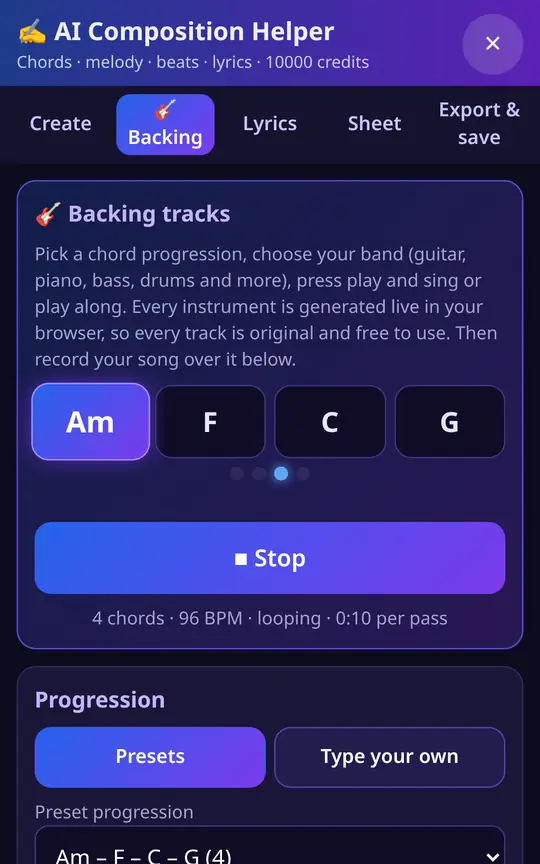
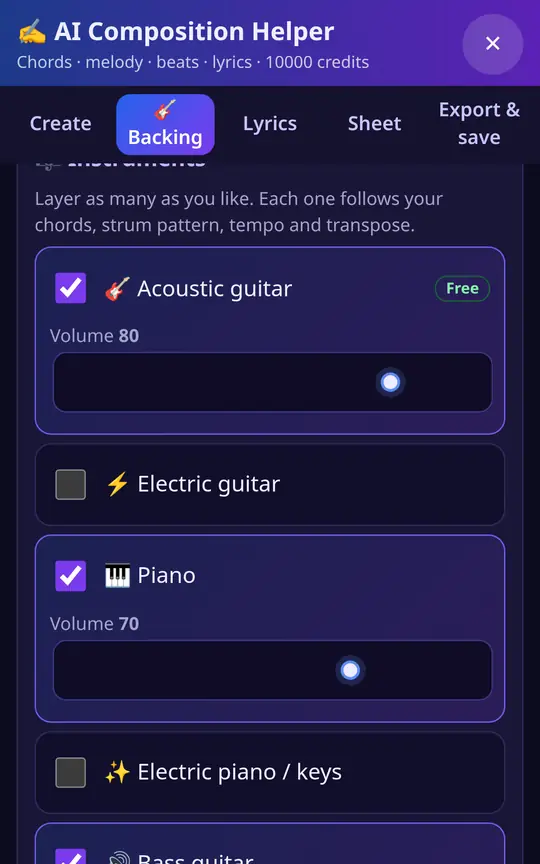
Pick a chord progression such as Am–F–C–G or type your own, then choose your band: acoustic and electric guitar, piano, electric piano, bass, drums, strings and ukulele. Layer them, set the tempo, strum pattern and key, and sing along. When the song feels right, record your voice over the backing with a count-in and keep your takes on your phone as MP3 or WAV. Every sound is generated live in your browser, so every track is original and yours to use.
✍️ Compose: a songwriting helper
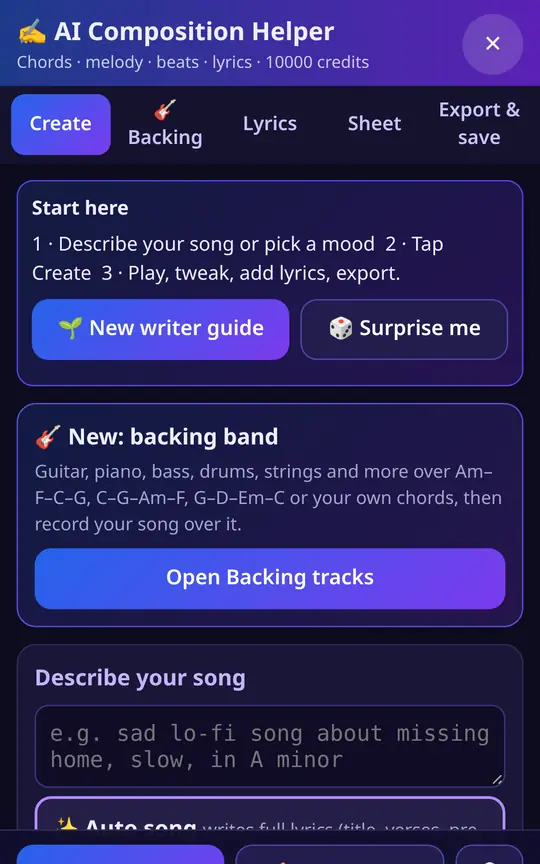
Describe a mood, pick a genre such as pop, salsa, bachata, reggaeton, afrobeats or amapiano, and Compose sketches chords, a beat, a bass line and a melody you can sing over. It works on your device with musical rules rather than an online AI service, and it never copies existing songs. Add your own lyrics, hear them on a simulated singer, and export MIDI or MP3. New to songwriting? Start with Write your first song.
🎚️ DJ decks & Mix
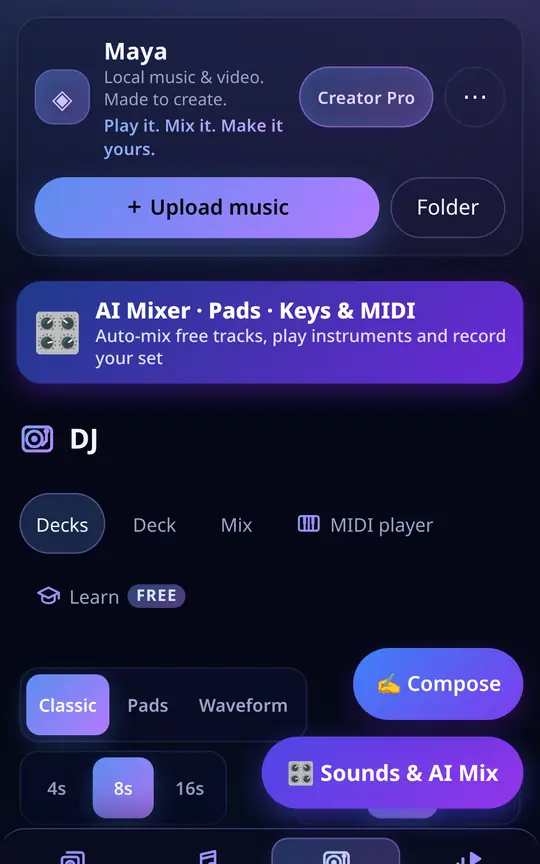
Load two tracks on decks A and B and Maya detects their tempo (BPM) and musical key. Set cue points, scratch or nudge the spinning platter, match tempos with the pitch slider, blend with the crossfader and shape the sound with three-band EQ and a filter. The Mix tab adds performance pads, a tap-tempo button, a microphone voice-over and mix recording, and the MIDI player opens standard .mid files or plays the built-in "Maya Groove" demo.
🎛️ AI Mix, pads & keys
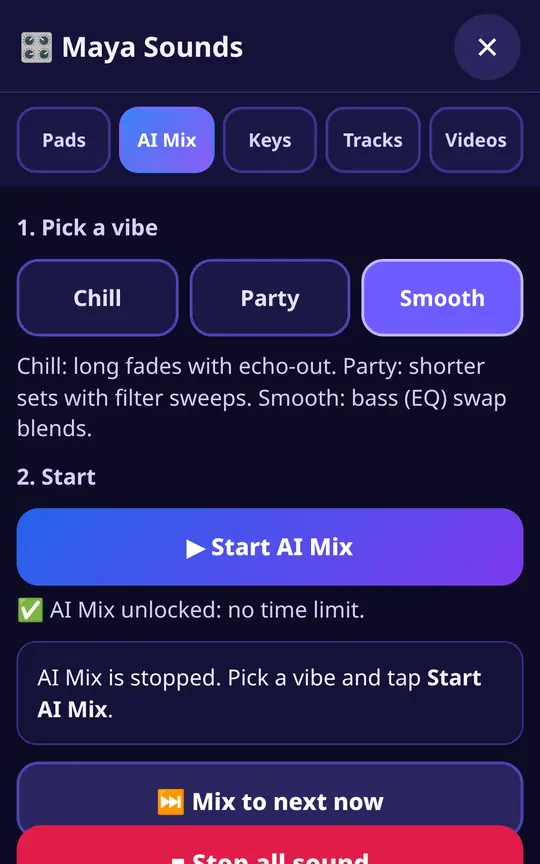
Pick a vibe and AI Mix listens to each free track in your browser, works out its tempo and key, picks the next track that fits and blends the two on the beat. Drop 40 synthesized pad sounds on top, play 14 instruments on the on-screen keyboard or a MIDI controller, and record the whole thing.
🎵 Free music with proper credits
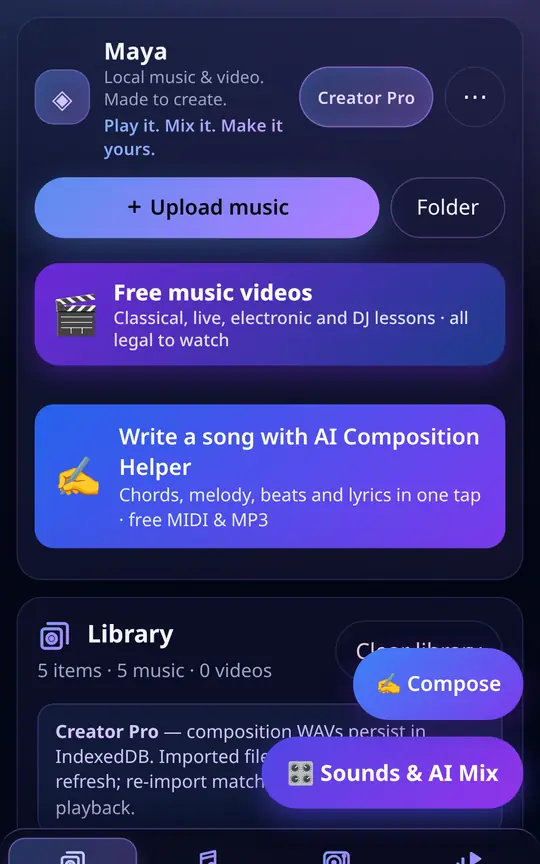
Add music or video files from your device and Maya builds a clean library with a now-playing view, queue, shuffle and repeat. Library › Free music offers 53 hand-picked recordings across eight styles: classical, ragtime and jazz, ambient, lo-fi, electronic, hip-hop beats, rock and modern instrumental. Every track is public domain, CC0 or Creative Commons Attribution (CC BY), streamed from public hosts such as Wikimedia Commons and the Internet Archive, with the artist, source and license shown. Read our editor’s notes on the collection.
Private by design
Files you add are read locally by your browser for playback; they are never uploaded to a Maya server, so your collection stays private and works even on a slow connection. Recordings and takes are saved only on your device.
Musician Studio
A friendly step sequencer for making your first beats: program kick, snare, hi-hat and an 808-style bass on a grid, pick a key and scale so every note fits, set the tempo anywhere from 40 to 200 BPM and turn on the metronome. Finished loops can be added to your library and played on the DJ decks.
Free beginner DJ tutorials
Never touched a DJ controller? DJ › Learn walks you through the basics in eight short lessons that take about 26 minutes in total. Each lesson explains one idea in plain language and ends with a "Try it" button that opens the exact control it describes. The full lessons are also published as a readable page: Learn to DJ – 8 free beginner lessons.
Plans: start free, unlock everything when you’re ready
Everything in Maya can be tried for free. Pro and Premier unlock every instrument, AI Mix and the full DJ Mix tools with no time limits, plus monthly song credits. Your plan unlocks the same features however you are billed.
Free
$0
Player, library and all 53 free tracks
65 song credits a day in Compose · 12 saved songs
Backing tracks with acoustic guitar and soft bass
🔒 Extra instruments: 30-second previews each play
Backing takes up to 3 minutes · 5 saved
🔒 AI Mix: 3-minute previews, 3 a day
4 Keys instruments · 2 pad banks (trials of the rest)
Two DJ decks, starter pads, about 45 seconds of mix recording
Checkout is handled securely by Stripe. Plans are billed monthly and you can cancel anytime from the Support page. After you subscribe, your plan is turned on manually within a day (not instantly). Questions? Email vshehadah@gmail.com.
Frequently asked questions
Is Maya really free?
Yes. The player, free music, DJ decks, studio and all tutorials are free to use. Ads appear only on our written guides, never on the tools. Pro and Premier are optional for people who want every instrument, AI Mix and DJ tool unlocked, plus more song credits.
Do I need to install anything or create an account?
No. Maya runs in Safari, Chrome, Edge and Firefox on phones, tablets and computers. There is no sign-up: everything you do is stored in your own browser.
Are my music files uploaded?
No. Files you add are played locally in your browser. Settings, cue points and tutorial progress are stored on your device and can be cleared at any time from your browser settings.
Can I use the free tracks in my own videos or mixes?
Public-domain and CC0 tracks can be reused freely. CC BY tracks can be reused as long as you credit the artist and license shown in Maya.
Do I need DJ equipment?
No. The decks work with a touchscreen, mouse or keyboard. Headphones help, but a phone speaker is fine for practice.